
This article is written by Komal Verma, one of the best AI Digital Marketing Experts with experience in AI-driven strategies and digital growth.
Google Ads for small business means paying to show your website at the top of Google search results when someone searches for what you sell. You do not wait for search rankings to slowly build. You bid on the right keywords, and your ad can appear within hours.
This guide explains how it works, whether it is worth it for you, how much to budget, and the mistakes that waste the most money.
What Is Google Ads and How Does It Work?
Google Ads is a pay-per-click, or PPC, advertising system. You only pay when someone clicks your ad, not when they simply see it.
Here is the basic flow. Someone searches Google for something like “plumber near me.” Google instantly runs an auction among businesses bidding on that search term. The winners of that auction appear at the top of the results, marked as ads. You pay a small fee only when a searcher actually clicks through to your website.
The auction is not just about who pays the most. Google also looks at your ad’s relevance and your landing page quality. A well-matched, relevant ad can beat a higher bid from a less relevant competitor. This score is called Quality Score, and it rewards ads that genuinely match what the searcher wants.
Picture two businesses bidding on “emergency plumber near me.” One bids higher but sends every click to a generic homepage. The other bids slightly less but sends the click straight to a page about emergency plumbing, with a phone number visible immediately. Google can rank the second ad above the first, because it better matches what the searcher actually needs — not just because of the price bid.
Is Google Ads for Small Business Worth It?
It is worth it if people are actively searching for what you offer, and you can afford to test it for at least a month before judging results.
Google Ads works best for businesses where someone searches with clear intent to buy or book — a plumber, a dentist, a local shop, an online store. It works less well if your product needs a long explanation before someone would ever search for it by name.
The honest answer is that no one can tell you it will definitely work for your business without seeing your numbers. What you can control is testing it properly: a clear budget, the right keywords, and a landing page built to convert — not just guessing and hoping.
A quick way to check if you are a good fit: ask whether someone with a real need would type a search for what you offer, right before they want to buy or book. If yes, Google Ads has something to work with. If your product usually needs a long conversation or a demo before anyone even knows to search for it, Google Ads alone will struggle to do that job — you may need other channels first, and ads later.
If running Google Ads yourself feels like more than you want to take on, it is also reasonable to bring in outside help rather than learn it all at once. Here is a look at what a digital marketing expert can actually do for your business if you would rather hand this off.
How Much Budget Do You Actually Need?
There is no single right number. Guides online often give wildly different answers — some say start with a few hundred rupees a day, others say do not bother below a much larger monthly minimum. Both can be true, depending on your situation.
Why the “Right Number” Varies So Much
Two things drive the real cost of Google Ads for your business:
- How competitive your keywords are. A local bakery bidding on “bakery near me” pays far less per click than a business bidding on a competitive national keyword with many advertisers fighting for the same spot.
- How local or national your business is. A single-city business needs a much smaller budget to reach every relevant searcher than a business trying to be seen across an entire country.
This is why one guide’s number does not apply to your business. The right budget depends on your keywords and your reach, not on what worked for someone else.
A Simple Way to Size Your Own Starting Budget
Instead of copying a number from a guide, work backward from your own numbers:
- Estimate what a new customer is worth to you. Even a rough number works — average order value, or the value of a typical client relationship.
- Decide how many test clicks you can afford to “spend” before you expect a result. A reasonable test is enough budget for at least 20 to 30 clicks in your first week or two.
- Set your starting daily budget from that. If clicks in your industry and city tend to cost more, your daily budget needs to be higher to reach that same 20 to 30 click test.
This will not give you a perfect number on day one. It gives you a starting point built from your own business, not someone else’s blog post.
How to Set Up Your First Campaign
At a high level, setting up your first Google Ads campaign follows this order:
- Pick one clear goal. Calls, form submissions, or online sales — choose one to start, not all three at once.
- Choose a small, focused list of keywords. Start narrow. A short list of keywords that closely match what you sell beats a long, vague list.
- Use phrase match or exact match, not broad match, when you begin. Broad match shows your ad for many loosely related searches. As a beginner, that usually wastes budget before you understand what is working.
- Write an ad that matches the keyword and the searcher’s intent. The words in your ad should echo the words someone actually searched.
- Send clicks to a page built for that keyword, not your homepage. A visitor who searched for one specific thing should land on a page about that specific thing.
- Set up conversion tracking before you launch, not after. More on this next — it is the step beginners skip most, and the one that matters most.
A note on structure: group your keywords into small, tightly related sets, called ad groups, rather than one long list under a single ad. A plumbing business might separate “emergency plumber” keywords from “drain cleaning” keywords, with a different ad and landing page for each group. This keeps every ad closely matched to the search that triggered it, which is exactly what earns a better Quality Score and a lower cost per click.
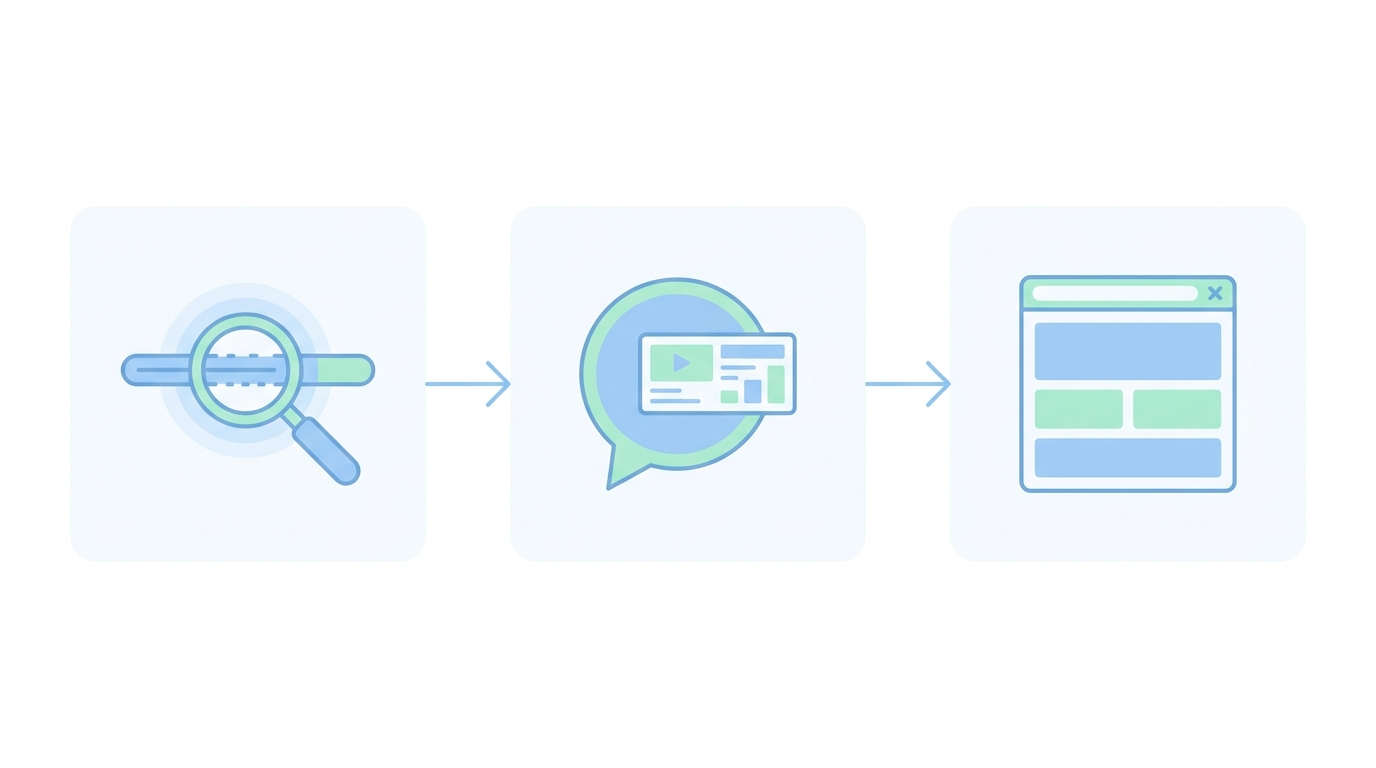
What Is Conversion Tracking, and Why Skipping It Is the Costliest Mistake
Conversion tracking tells you which clicks turned into an actual result — a call, a form fill, a purchase — not just a visit.
Without it, you can see how many clicks you got and how much you spent, but not whether any of it worked. That means you cannot tell a keyword that brings customers from one that just burns budget. Every other mistake becomes invisible, because you have no way to see which choices are actually costing you money.
Setting it up is usually a one-time technical step: a tracking snippet placed on your site, and a specific “conversion” action defined — such as the page a visitor reaches after submitting a form, or after completing a purchase. It takes real effort to set up correctly once, but it is the difference between guessing and knowing.
If you do nothing else before your first campaign goes live, get conversion tracking working first.
Common Beginner Mistakes to Avoid
Sending traffic to your homepage. A homepage tries to serve everyone. A visitor from a specific search wants a specific answer, fast — not a menu of everything you offer.
Skipping negative keywords. Negative keywords tell Google which searches to exclude. Without them, your ad can show up for searches that have nothing to do with what you sell, and you pay for those clicks anyway.
Starting with broad match. It is tempting because it is the default and reaches more people. For a beginner with a limited budget, it usually means paying for a lot of clicks that were never going to become customers.
Ignoring mobile. Most clicks now come from phones. If your landing page is slow or hard to use on a phone, you are paying for clicks that leave before they ever see your offer clearly.
Picking a budget out of thin air. A number that “feels safe” or “feels big enough” is not the same as a number based on your keyword costs and your test size. Go back to the budget-sizing method above instead.
Judging results too early. A few days of data rarely tells you anything reliable. Give a new campaign real time — generally a few weeks — before deciding it is not working.
FAQ
How does Google Ads actually work?
You bid on keywords related to your business. When someone searches one of those keywords, Google runs an auction, and ads with the best mix of bid and relevance appear at the top. You pay only when someone clicks.
How much budget do I need to start with Google Ads?
It depends on how competitive your keywords are and how local or national your business is. Size your budget from your own numbers — what a customer is worth to you and how many test clicks you can afford — rather than copying a number from a guide.
Is Google Ads worth it for a small business?
It can be, especially if people actively search for what you offer. It works best when you test it properly with a clear budget, focused keywords, and a matching landing page, rather than guessing.
What is conversion tracking and why does it matter so much?
It shows you which clicks actually turned into a call, form fill, or sale — not just a visit. Without it, you cannot tell which keywords are working and which are wasting money.
What are the biggest beginner mistakes in Google Ads?
Sending traffic to a homepage instead of a matching landing page, skipping negative keywords, starting with broad match, ignoring mobile visitors, and picking a budget without any real reasoning behind it.
Start Small, Track Everything, Then Grow
Google Ads for small business is not about spending the most. It is about matching the right keyword, to the right ad, to the right landing page — and tracking whether it actually works before you spend more.
Start with a focused campaign, a budget sized from your own numbers, and conversion tracking switched on from day one. Watch it closely for the first few weeks, then decide what to expand.
Want more practical, no-fluff marketing guidance like this? Follow Digital With Komal for straightforward advice on growing your business.